ReciteMe Accessibility Features: The ultimate customiser

Neurodivergent needs frequently include changing the layout, font, or colour-scheme of websites in order to better take in and process information. That’s why we’ve made sure to secure ReciteMe, a tool available to all users. ReciteMe will allow each user to see, hear, and interact with the website content in whatever way is best for them.
Although it might seem a bit daunting, it’s worth spending some time getting to know how it works. ReciteMe has videos like this one that give a Toolbar Tour. In addition, this post should give you some pointers for how you can make the most of your experience with the Highland ND Hub.
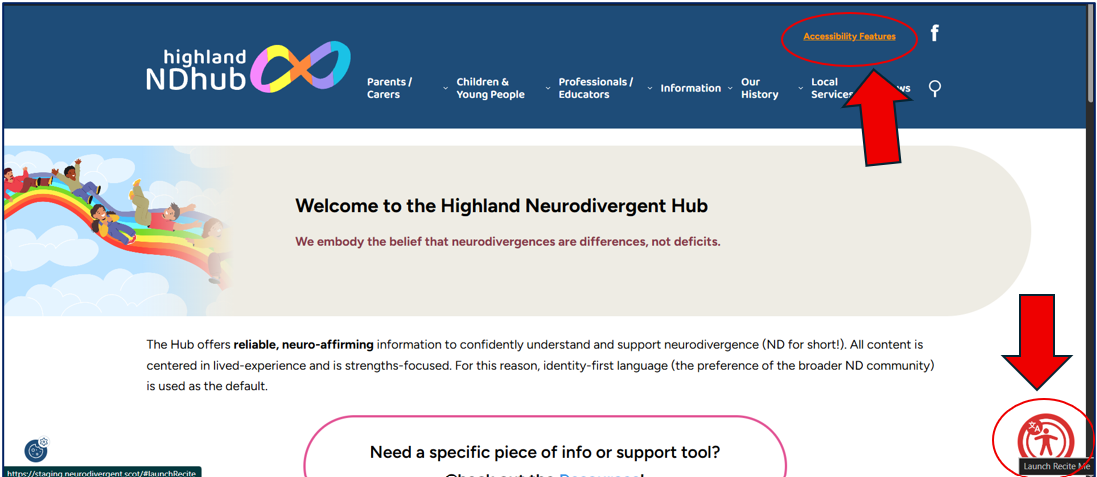
First things first – how do you turn on the toolbar? There are two options: you can click the text in the top right that says ‘Accessibility Features,’ or you can click the big button in the bottom right. Both will initiate the toolbar.
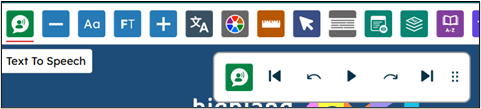
Once it’s turned on, it will appear at the top of the screen, like this.
(It should also do this on mobile devices)

Once open, the Tool Bar defaults to opening ‘Text to Speech.’
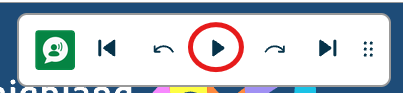
This will read the text on the screen for you, all you have to do is hit the play button.
You can skip to different lines simply by clicking on them. The text block will be highlighted and each word will be emphasised as it is read.

What else can it do? Pretty much anything! Here is a break down of each button’s function.
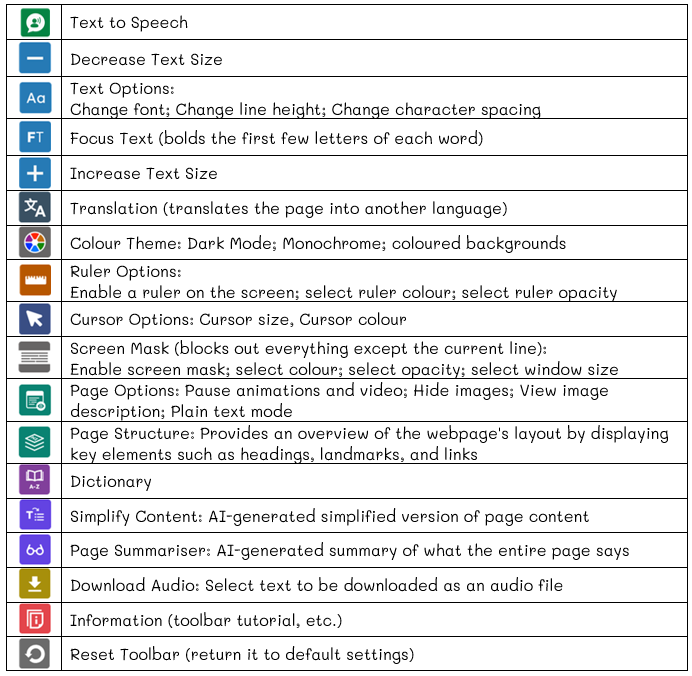
The really fun part is that you can combine the different buttons to truly customise the look and feel of the website to make it your ideal space. If only every space were as accommodating as that!
What will work best for you? There’s only one way to find out – go play with it! And, once you’ve found it, be sure to comment on this post to let us know what you’ve decided is the perfect setting.
